The problem: editing a PDF is still awkward
PDF is a format designed to preserve how a document looks, not to let you edit it. That's why any seemingly trivial operation — merging two files, reordering pages, converting to another format — ends with downloading desktop software, fighting a trial version, or uploading a confidential document to a sketchy website.
Made4PDF targets that gap: the operations people actually need often, available in the browser, in a flow you understand without reading instructions.
What I built
A three-step flow
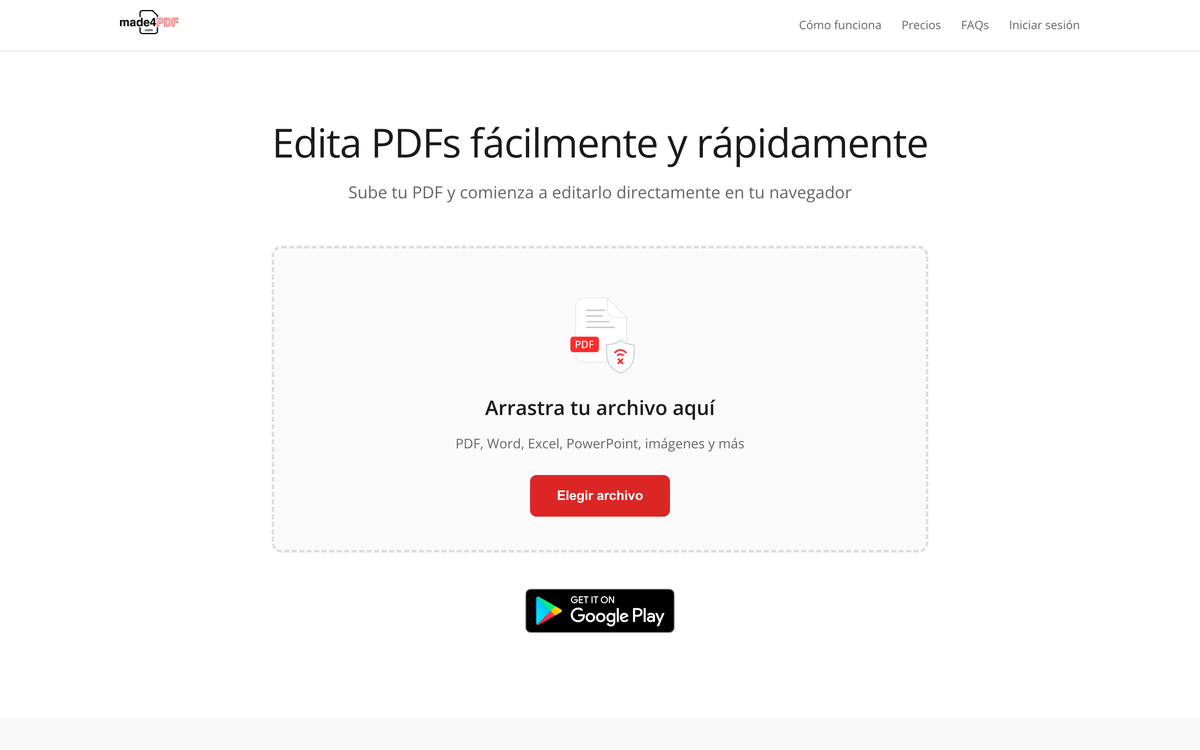
Upload the document, edit it, download the result — no unnecessary steps in between.
Document operations
Merging multiple PDFs into one, editing and conversion, with progress indicators during upload and processing.
Accounts and plans
User authentication with an individual plan and a business plan, each with its own usage limits.
Privacy and consent
Granular GDPR-compliant cookie consent, separating analytics, marketing and functionality.
Technical decisions
The system runs on Laravel, with document processing handled server-side. That's the structural decision of the project: client-side processing would have avoided uploads altogether, but it seriously limits which operations are possible and falls apart with large documents on modest machines. Server-side gives full control over the output — in exchange for taking file lifecycle management seriously.
Which is why the least visible work mattered most: temporary file handling, size limits and progress feedback. When someone uploads a document of tens of megabytes, the worst possible outcome is a frozen screen with no sign anything is happening. The "uploading" and "processing" states aren't decoration — they're what stops people closing the tab.
Using the tool requires an account. That's what makes it possible to enforce each plan's limits — individual or business — against real processing consumption, which in a product where every operation costs CPU and storage is what keeps price and cost in a sane relationship.
Do you need a web tool like this?
Document processing tools look simple from the outside and are demanding underneath: performance, limits, security, and an interface that doesn't intimidate. If you have a repetitive manual process that could be a web application, that's exactly the kind of project I build.